
Resources
Engineering insights from the field
“Practical knowledge on measurement, monitoring, and testing — from the engineers who do the work.”
Technical articles, application notes, case studies, and white papers from the ITM team — across all three pillars.
Browse by resource pillar
Engineering
Testing, RLDA, rugged systems, and measurement software.
Instrumentation
Strain gauging, sensing, DAQ, harnesses, and wireless networks.
Edge Solutions
Industrial monitoring, Edge Nodes, dashboards, and the platform.
Recent insights
-
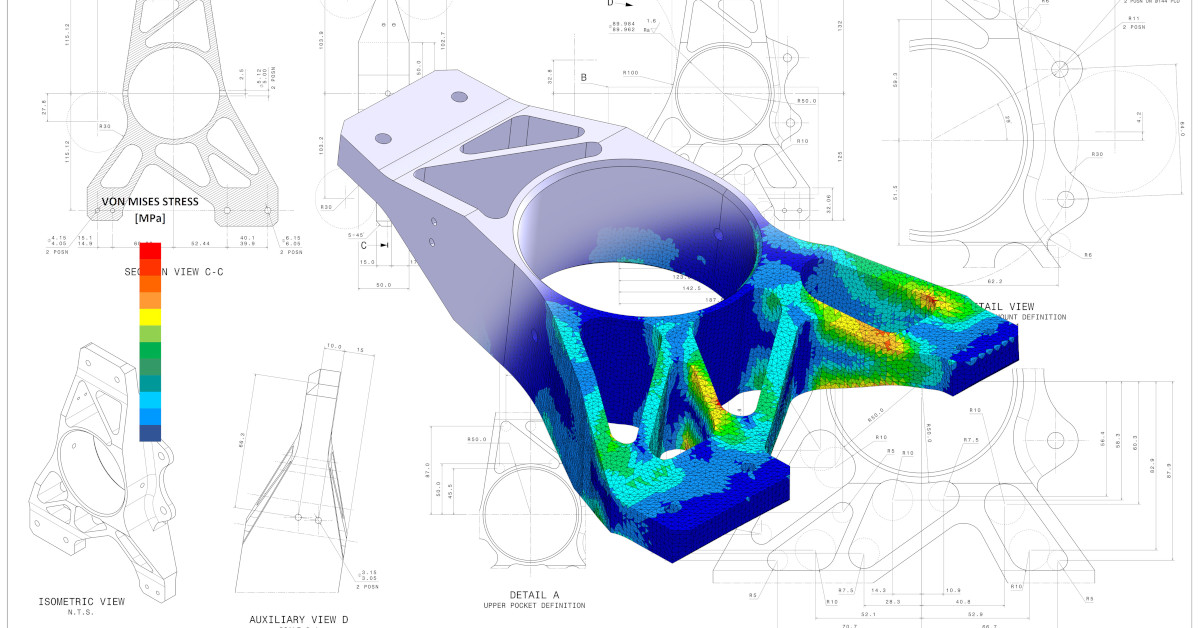
Endless Testing Options Through Finite Element Analysis (FEA)
Example Finite Element Analysis (FEA) model validation using physical strain gauge and accelerometers testing.
-
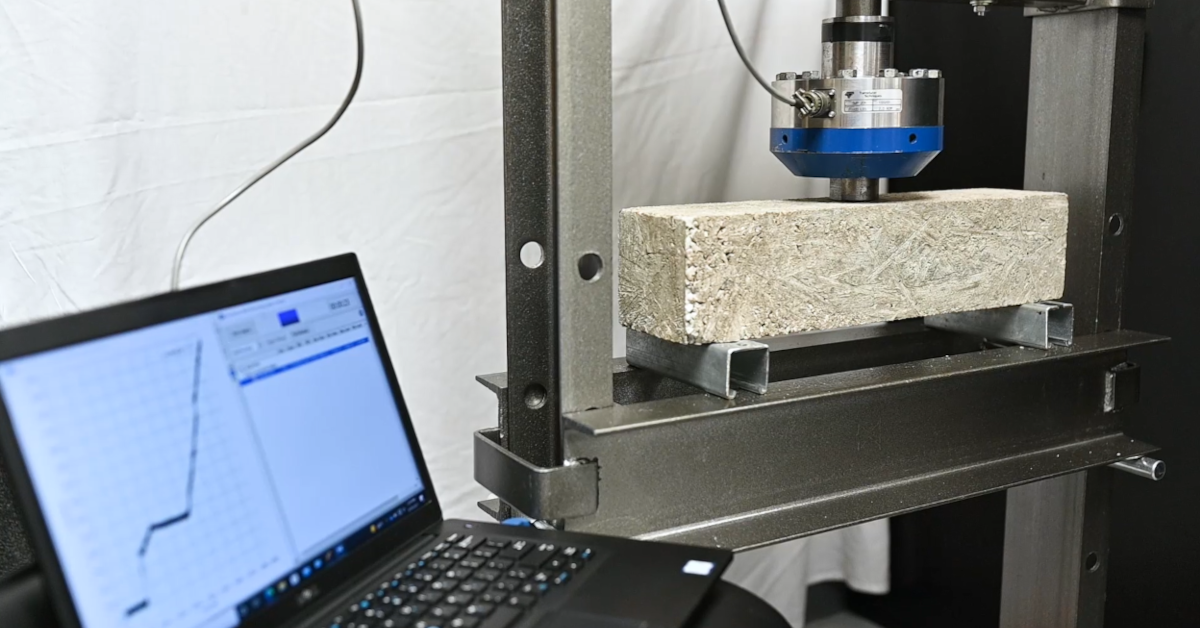
Applying Modern Methods to Study Civil Structures
ITM engineers have returned to the lab to demonstrate methods used to measure rebar reinforced concrete using strain gauge technologies.
-
iTestSystem 20 Coming Soon!
Coming Soon! iTestSystem 20.0 When: January 2022 The latest version of ITM’s engineering measurement software platform will make gathering data easier and more affordable than ever. For more information about iTestSystem, contact Chase Petzinger at (844) 837-8797 x704 or via email at chase.petzinger@itestsystem.com. Curious what iTestSystem can do today? Talk to our engineers about the…
-
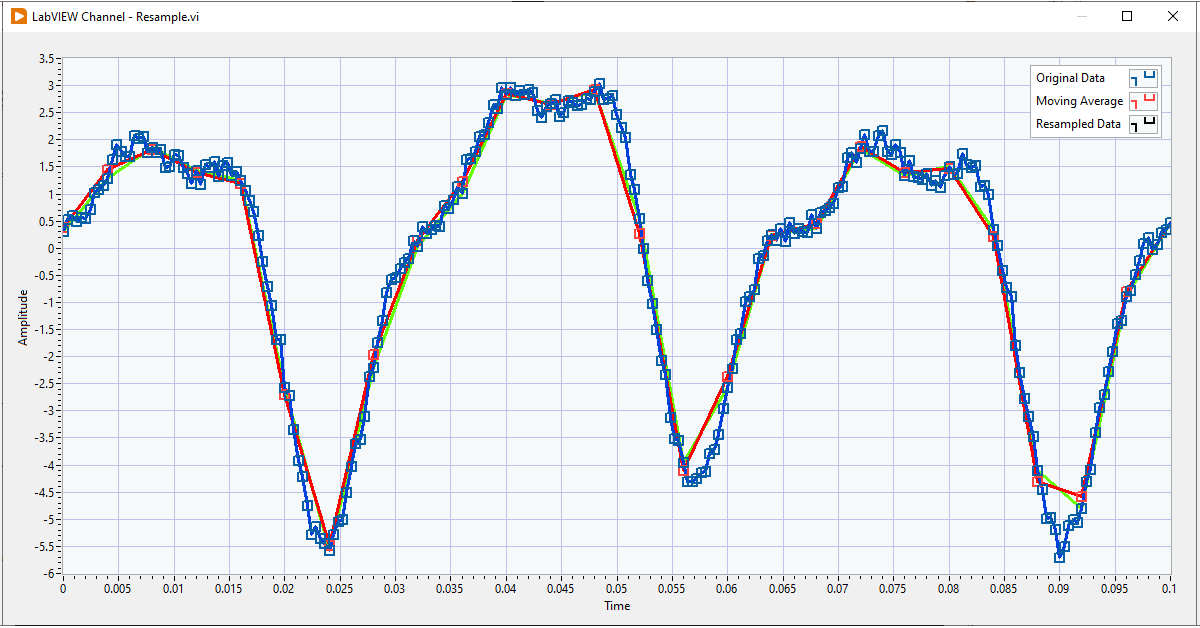
Waveform Resampling in LabVIEW
When measuring vibration and strain levels in LabVIEW, you work with a lot of waveform data. Usually this waveform data needs to be resampled or quickly analyzed so it can be stored in databases and displayed as meaningful trends. I put together the snippet below, so I could have easy access to the resampling and…
-

ITM Helps Miami University Students Succeed SAE Baja
The students and advisors huddled around the computer react as they watch the signal yield an immediate spike within ITM’s iTestSystem software…
-
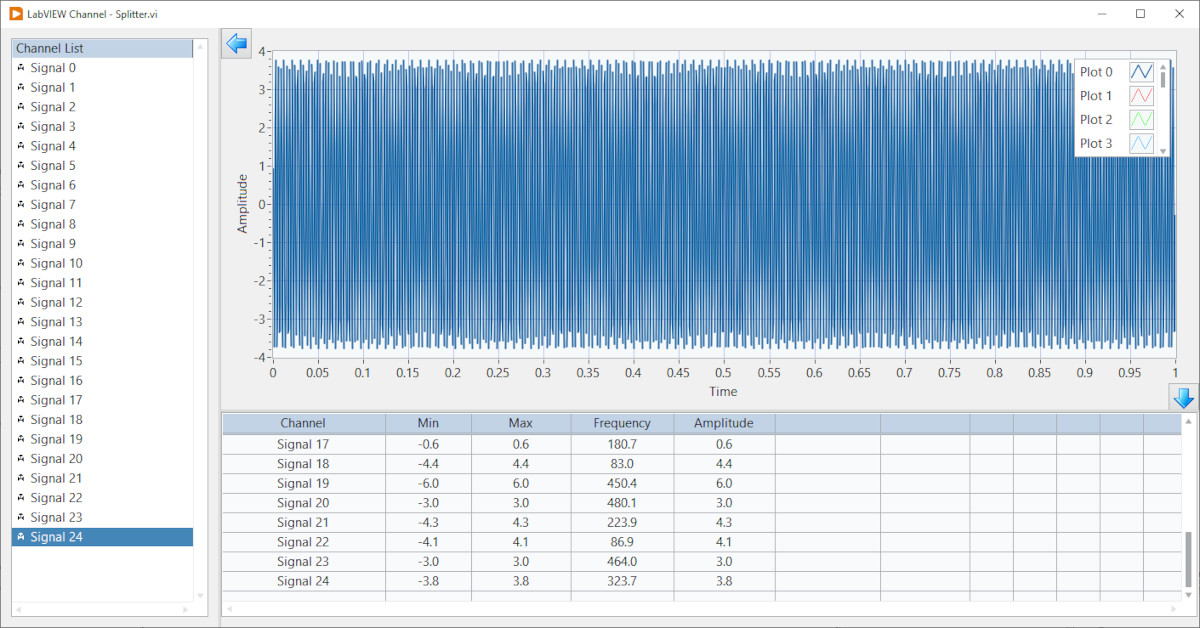
LabVIEW Channel: Splitter Bars
In some of my earlier LabVIEW channel blogs I showed how to use a subpanel to build scalable module user interfaces. This blog describes another front panel layout tool for creating professional scalable user interfaces – the splitter bar. Splitter bars allow the user to resize the adjacent panes while an application runs. NI explains…
Have a measurement challenge? Talk to the engineers behind these articles.